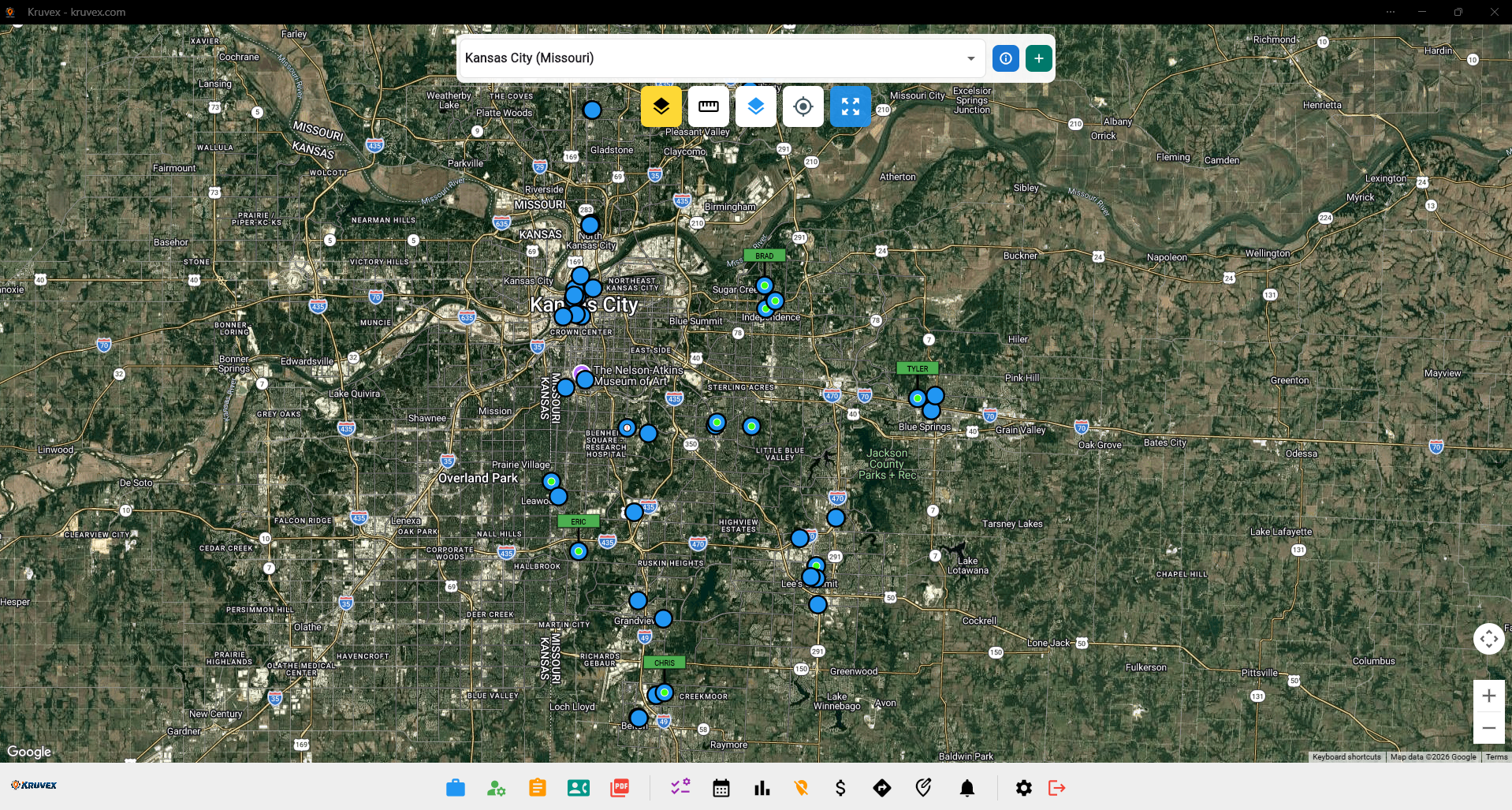
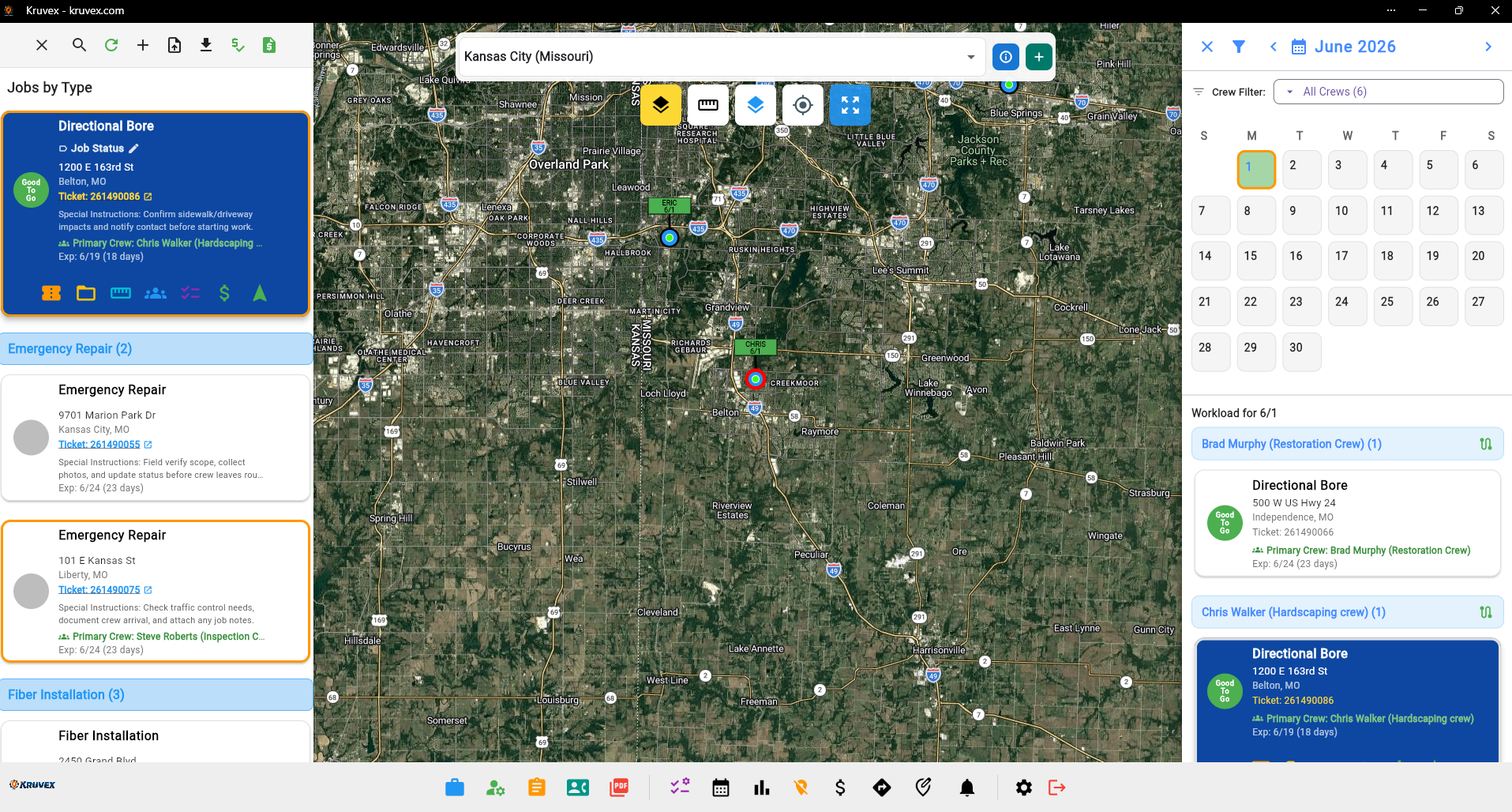
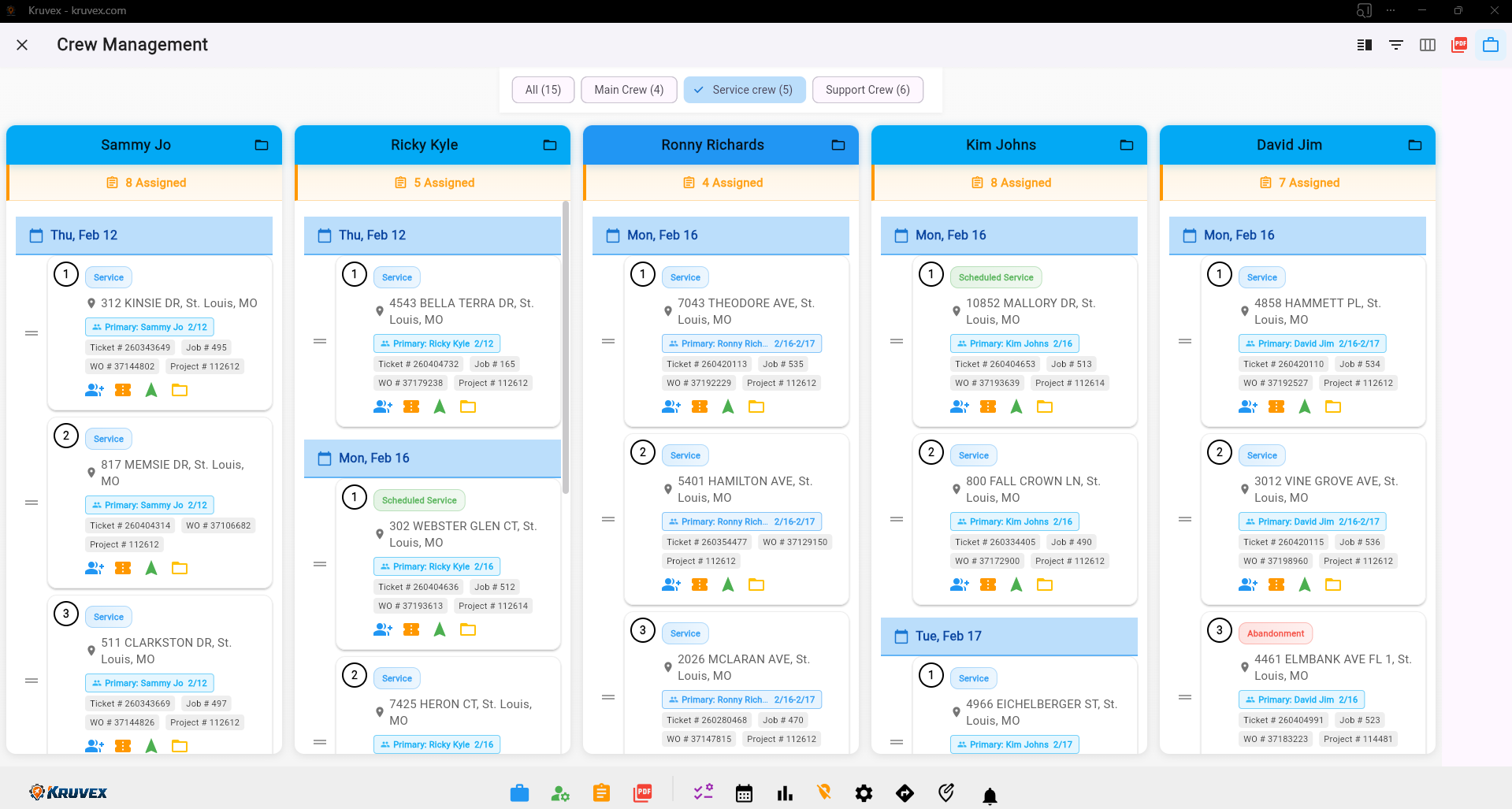
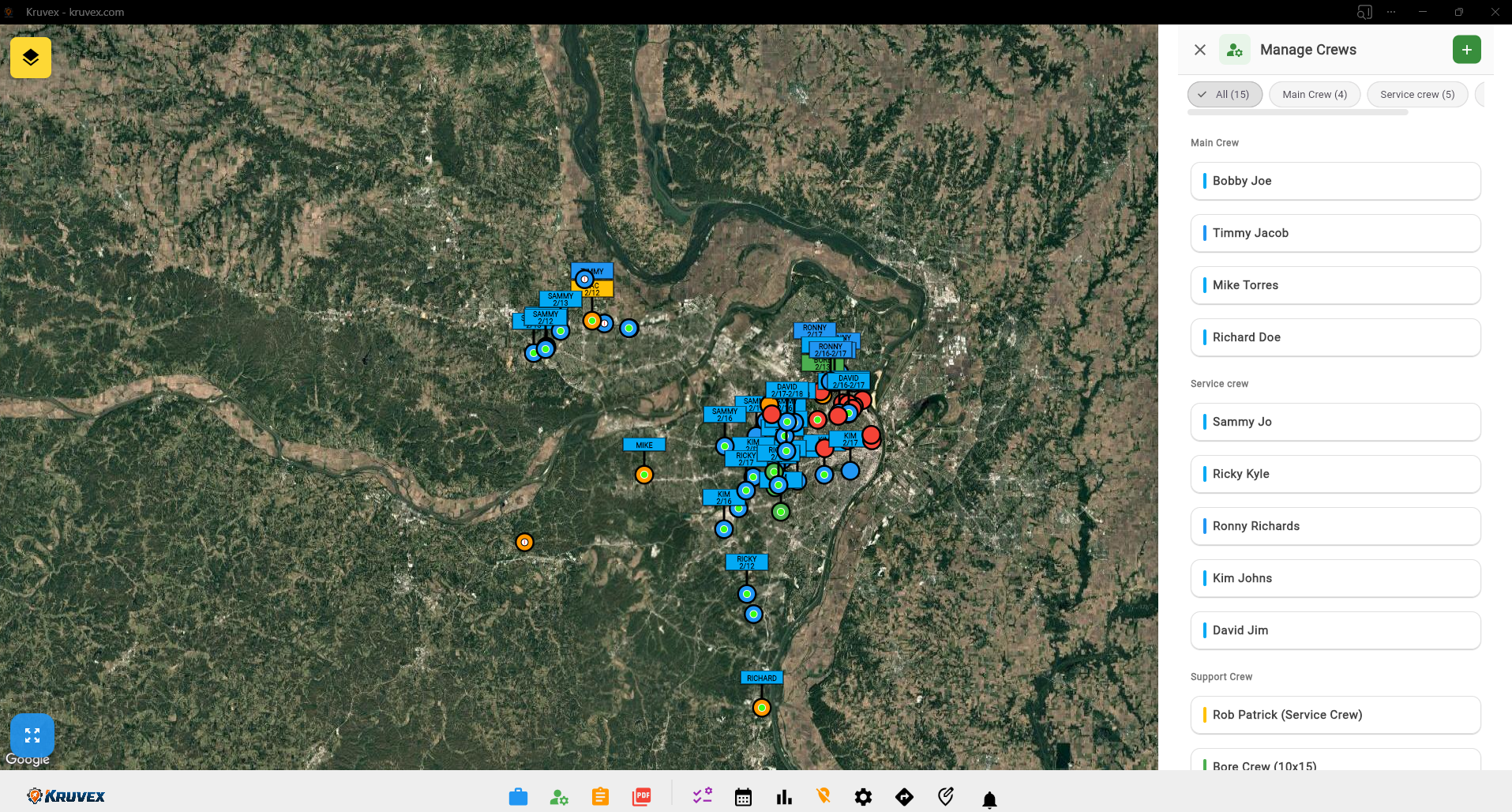
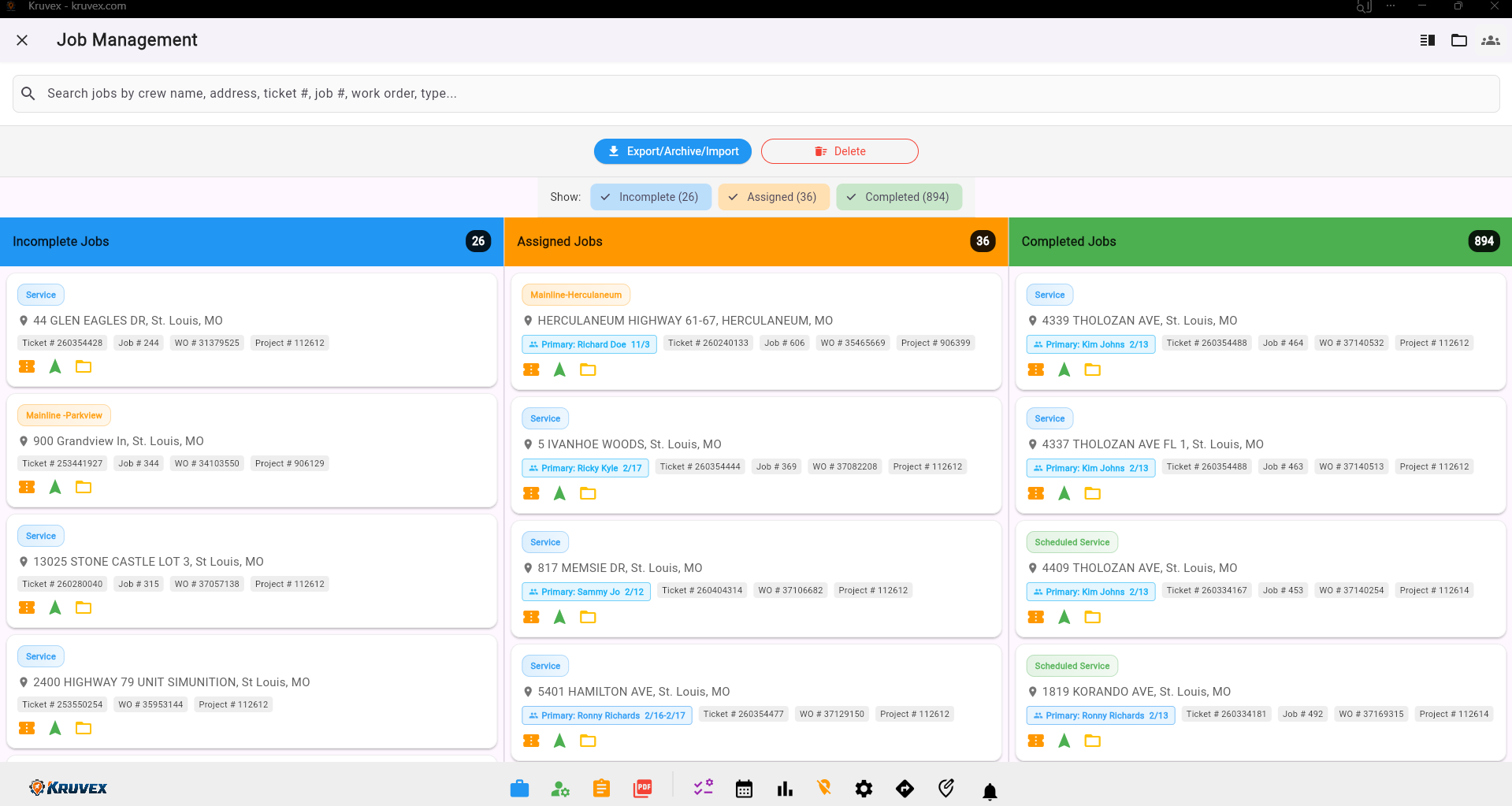
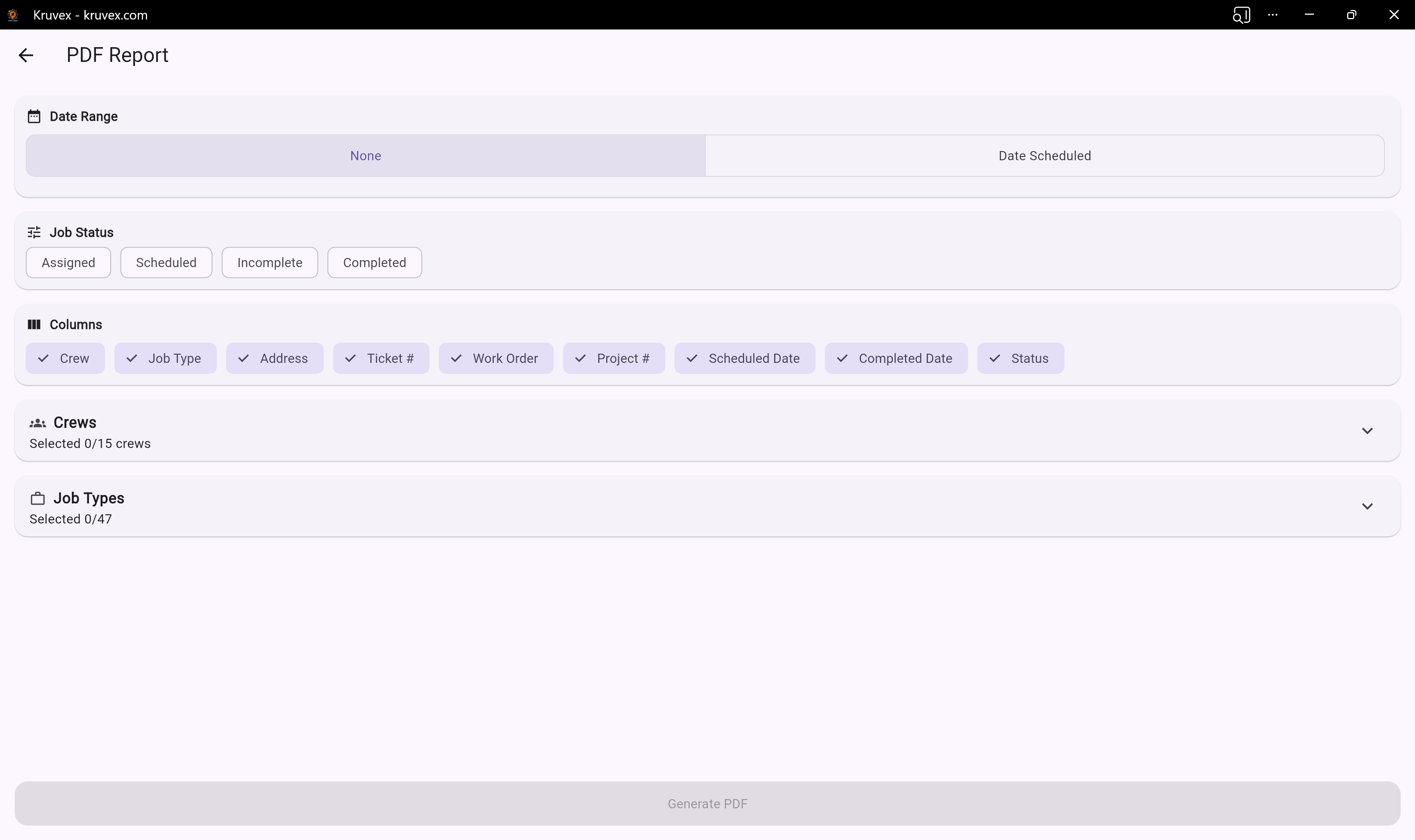
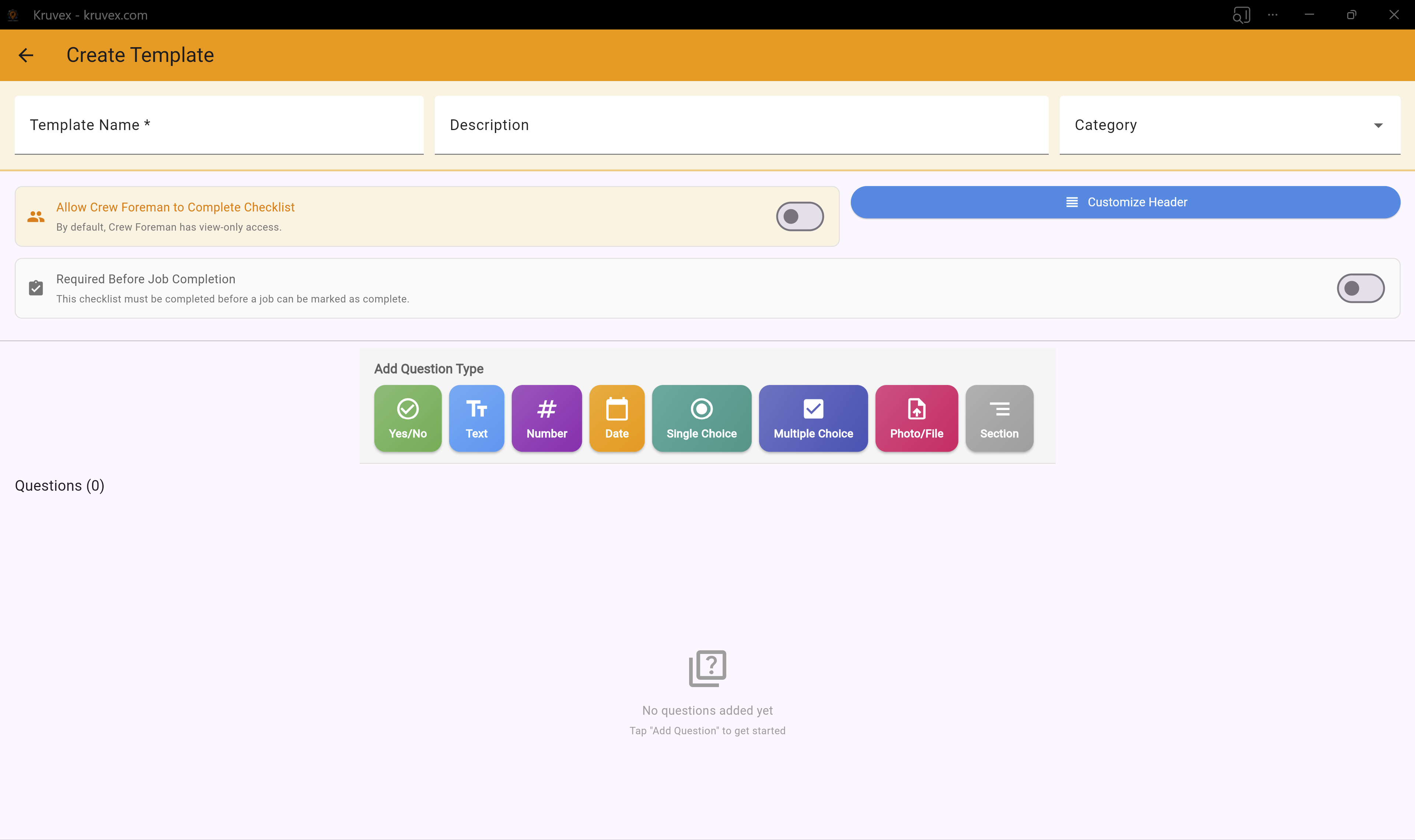
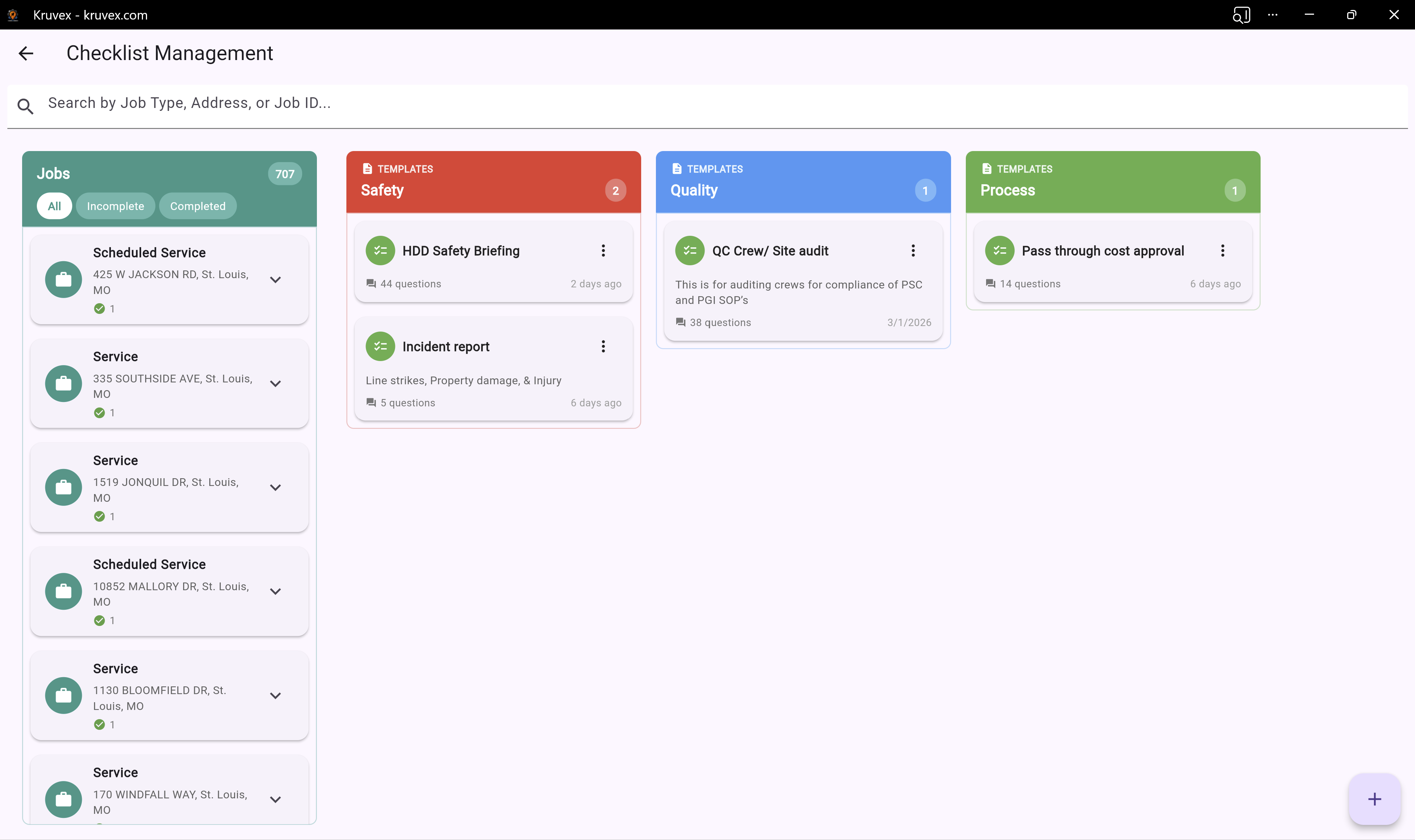
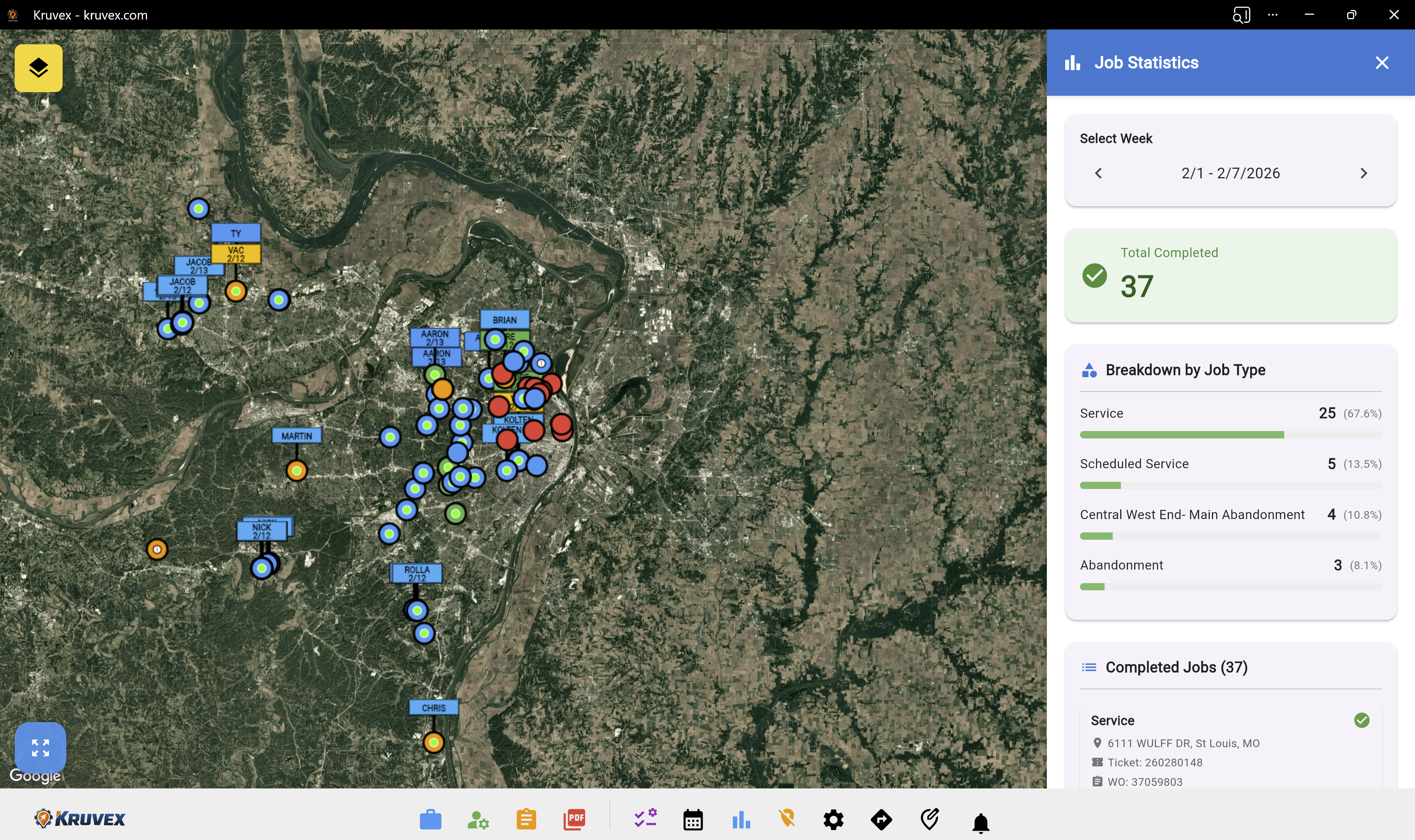
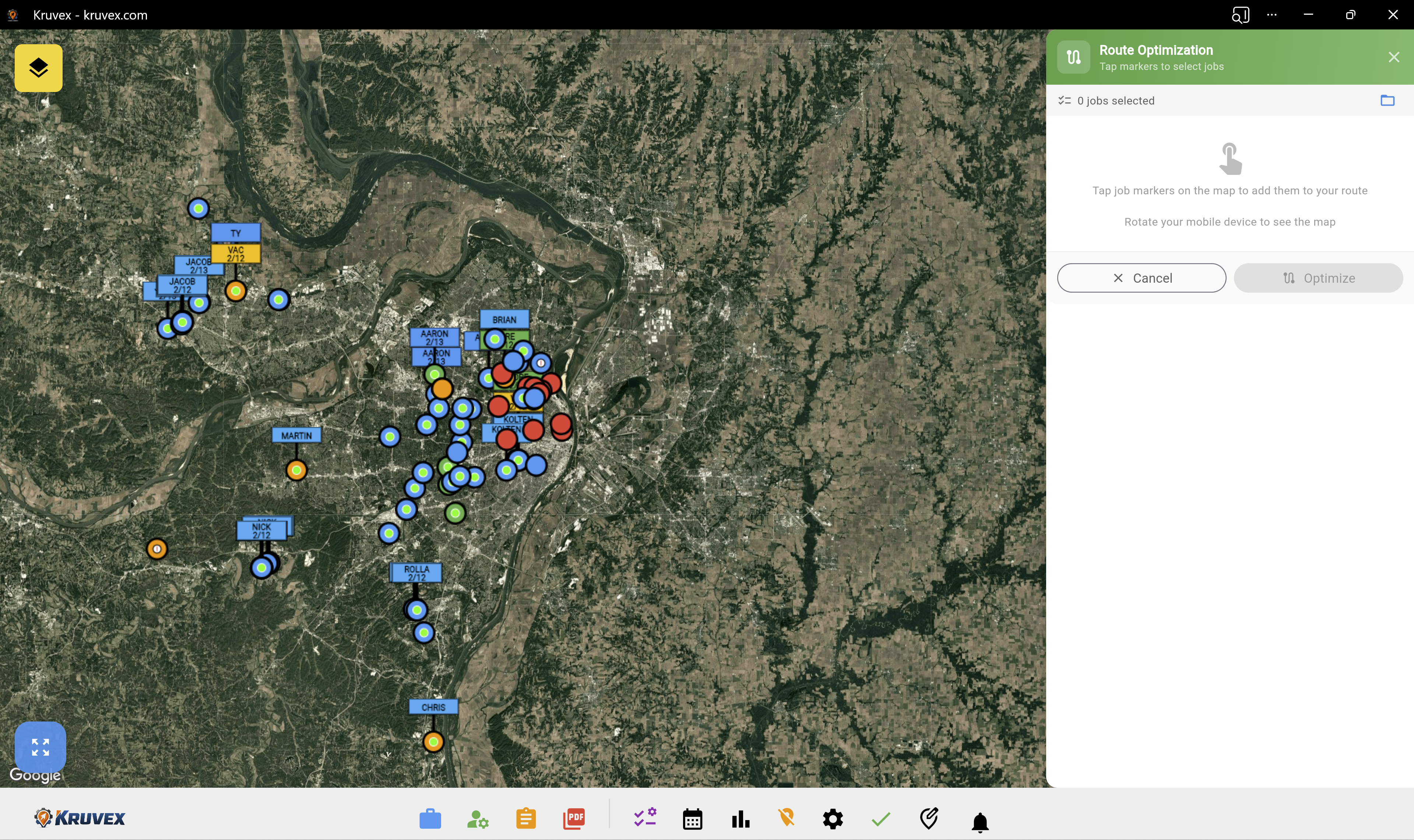
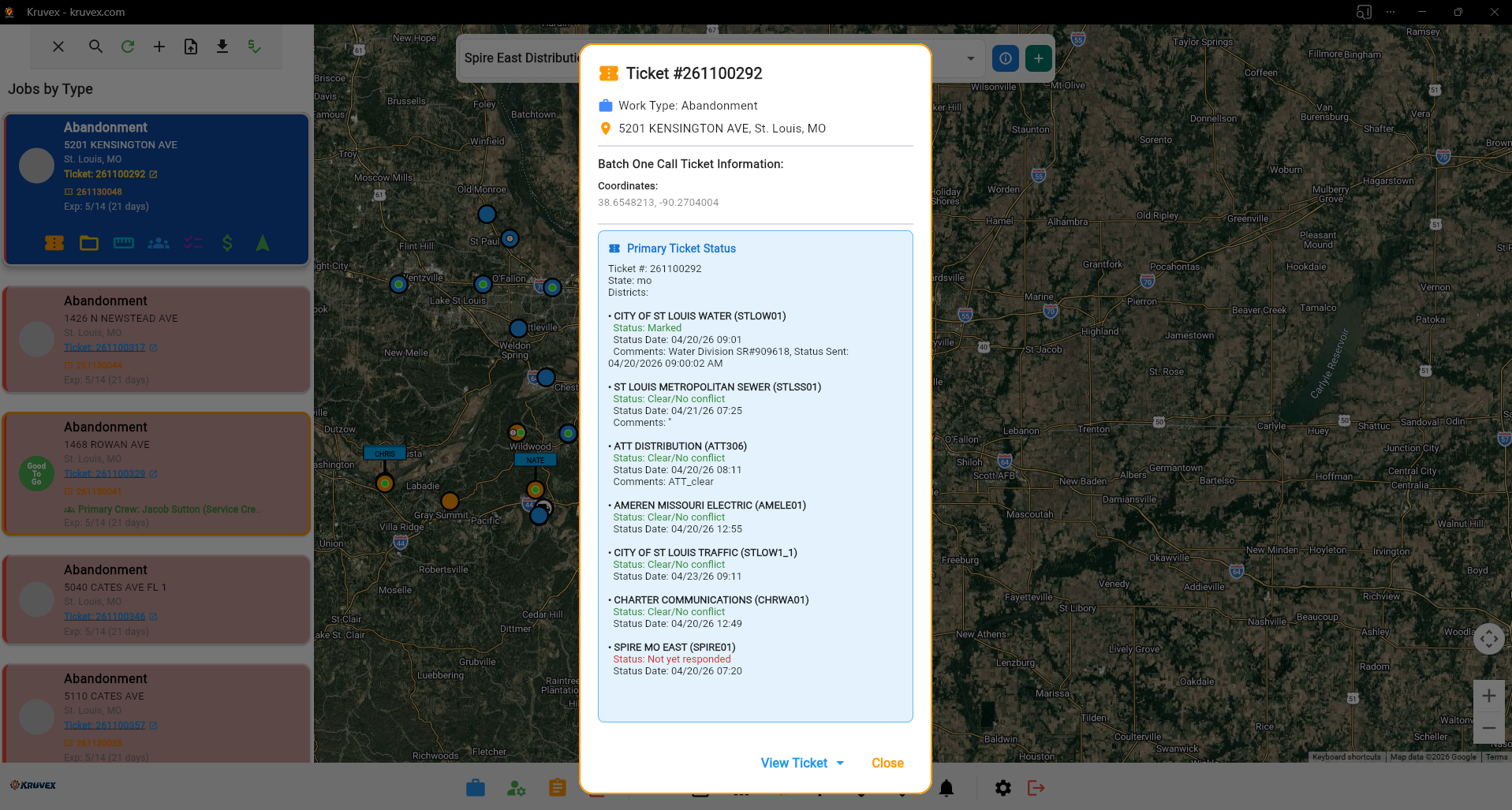
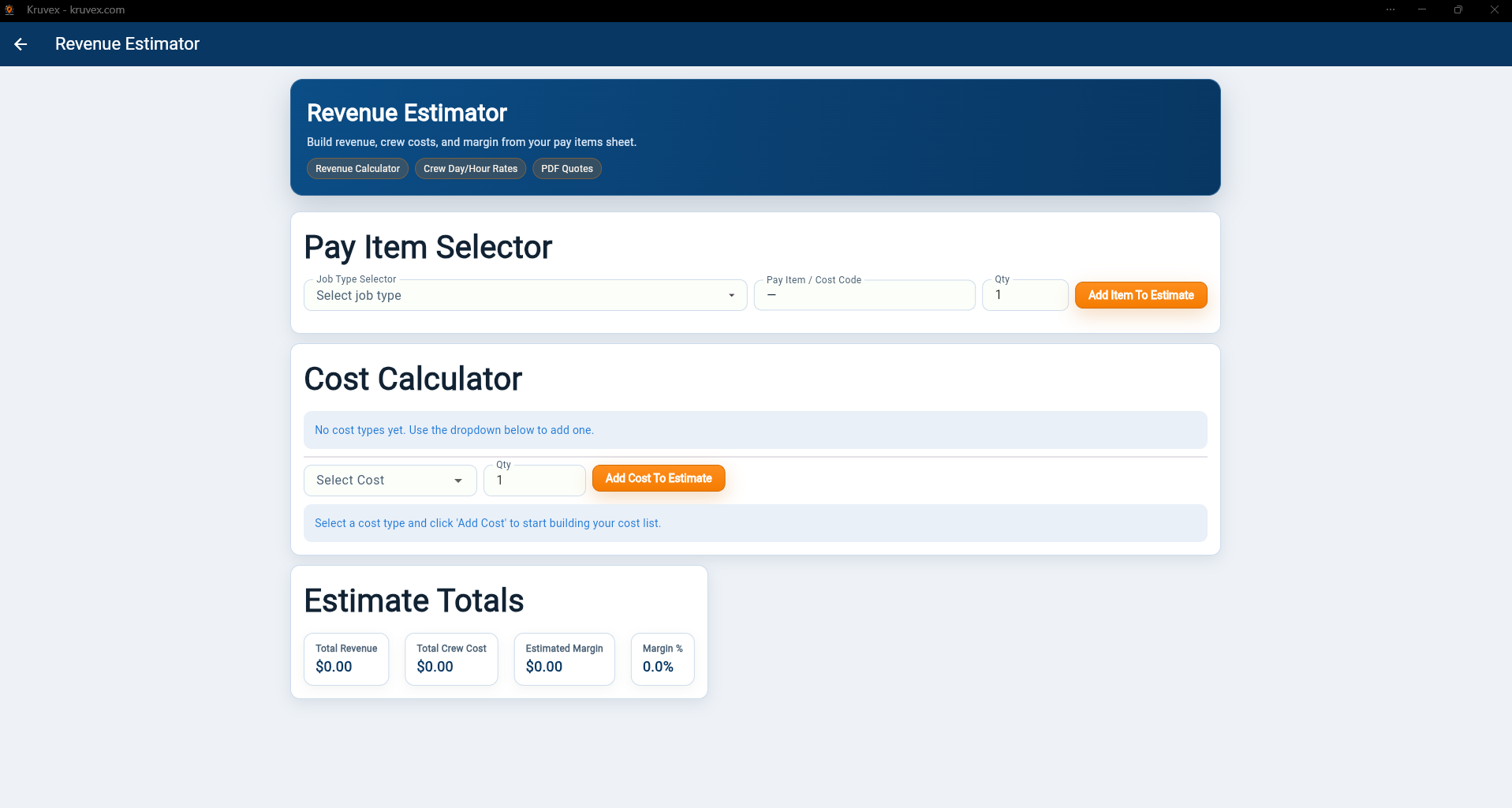
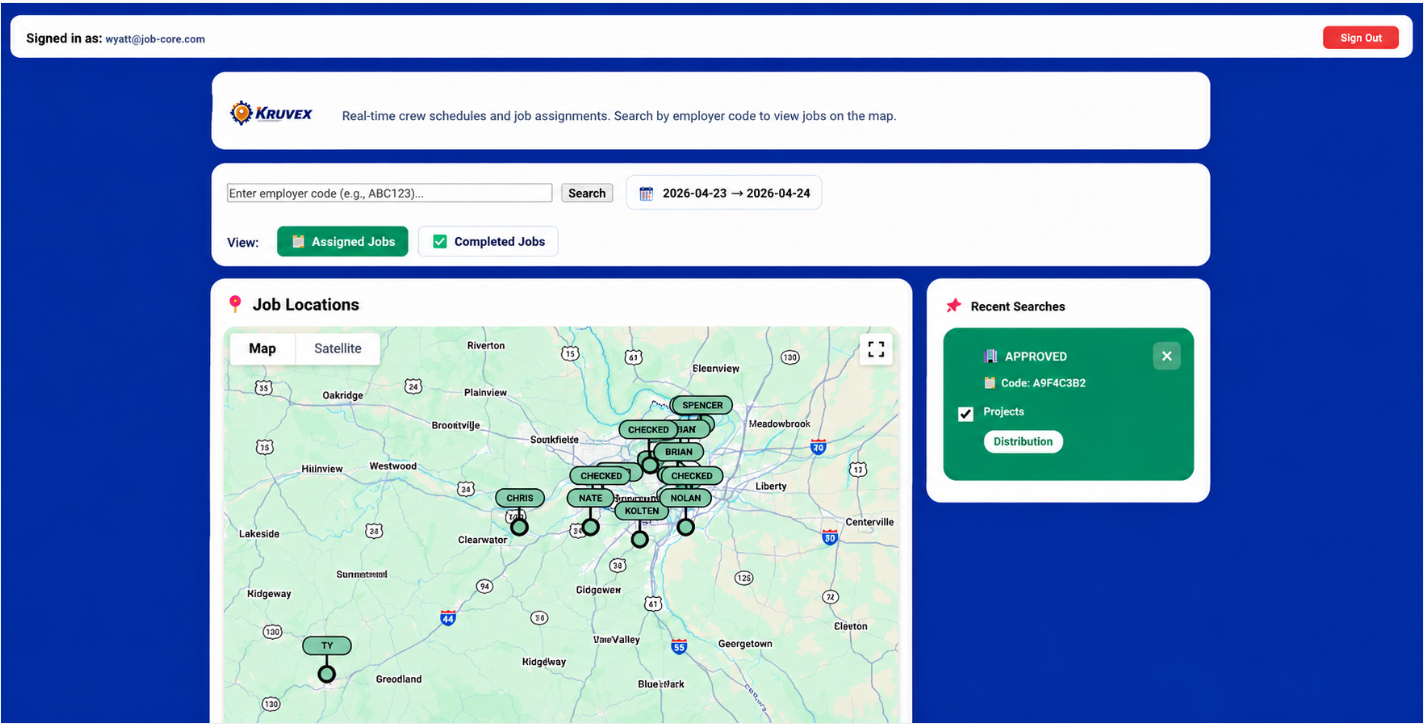
Most of the field world still runs on Excel spreadsheets, PDFs, Google Maps screenshots, text messages, whiteboards, and verbal dispatching. Every morning, someone is manually figuring out where jobs are, which crew should go, what route makes sense, and what's still not done. That's the problem Kruvex was built to solve.
If your operation involves scattered field work, addresses, crews, and coordination — Kruvex was built for you.
Natural Gas Distribution
Service replacements, leak investigations, main replacements, meter work, valve inspections, regulator maintenance, cathodic protection reads, emergency response
Water Departments
Hydrant flushing, hydrant inspections, valve exercising, water meter replacement programs, leak detection, water quality sampling, backflow inspections
Sewer & Wastewater
Sewer jetting, CCTV inspections, manhole inspections, smoke testing, lift station maintenance, grease trap enforcement
Electric Utilities
Pole inspections, transformer maintenance, streetlight repairs, storm restoration, vegetation management, smart meter programs
Telecom & Fiber
Fiber drops, splice work, node maintenance, service installs, small cell deployment, tower inspections
Public Works Departments
Pothole repairs, street sign maintenance, storm drain cleaning, snow routes, pavement markings, sidewalk inspections
HDD & Utility Contractors
Service installs, bore shots, restoration work, asphalt patches, concrete repairs, emergency digs, punch lists
Environmental Services
Soil sampling, groundwater monitoring, air quality checks, EPA compliance inspections
Traffic Control Companies
Lane closures, sign deployment, signal maintenance, crash attenuator placement
Landscaping & Grounds
Irrigation repairs, commercial mowing, tree trimming, fertilization routes
Oil & Gas Field Services
Well inspections, pipeline inspections, corrosion checks, tank inspections, right-of-way patrols
Railroad Operations
Crossing inspections, signal maintenance, vegetation control, track defect inspections